

Isometric architecture diagrams, without the hassle
ArchFlow is an editor for clear, good-looking isometric diagrams of systems, networks and cloud infrastructure. Use it in the browser, host it yourself with one Docker command, or run it as a desktop app.
What you can do
Everything you need to sketch an architecture, explain it to others and keep it up to date.
Isometric canvas
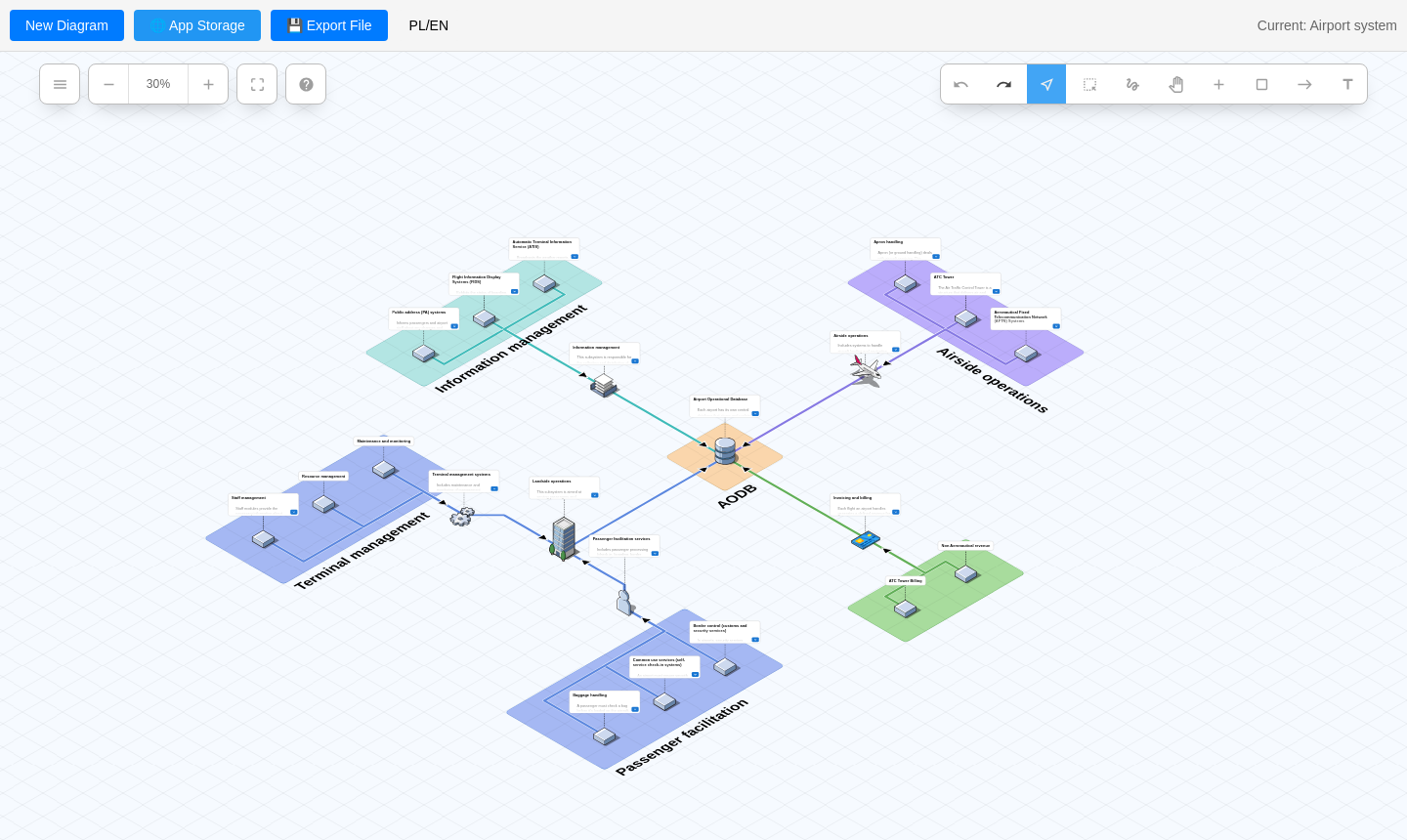
Drag and drop components onto an isometric grid, zoom, pan and fit the whole diagram to the screen.
Large icon library
Built-in Isoflow icons plus AWS, Azure, Google Cloud and Kubernetes packs, loaded on demand to keep startup fast.
Your own icons
Import any image (PNG, SVG, JPG) as an icon. It's saved inside the diagram, so it travels with the file.
Connectors, zones, labels
Connect items by clicking or dragging, group them in coloured zones, add text and rich-text descriptions.
Fast editing
Undo/redo, rectangle and freehand lasso selection, and configurable keyboard shortcuts.
Export anywhere
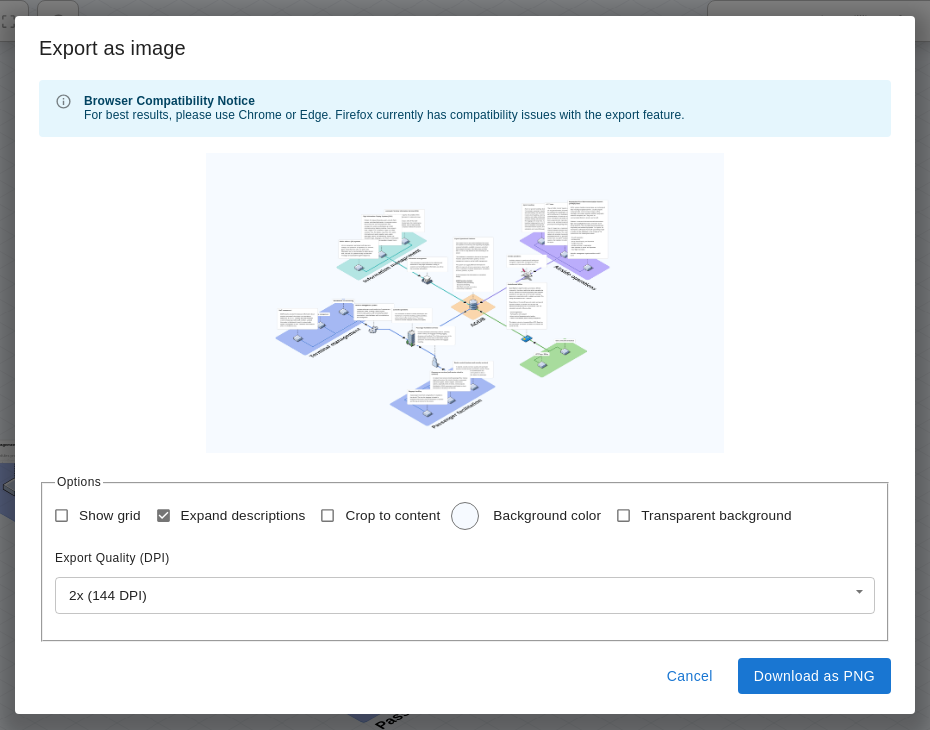
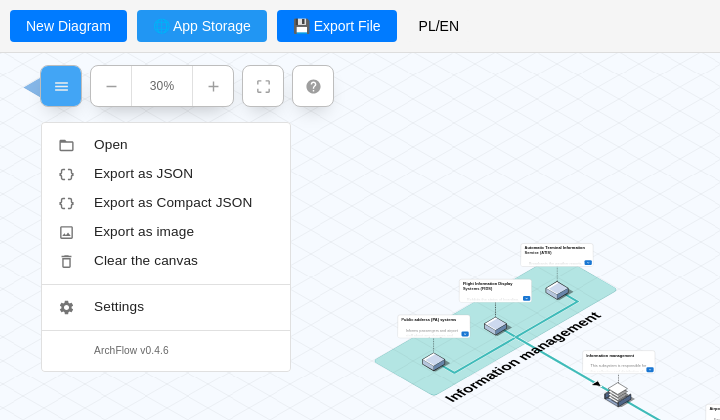
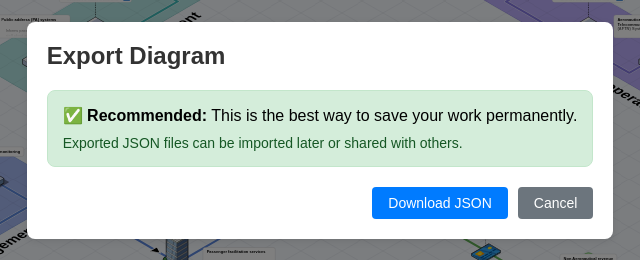
Save as a portable JSON file or export a PNG image with your choice of resolution, background and cropping.
Self-hosted storage
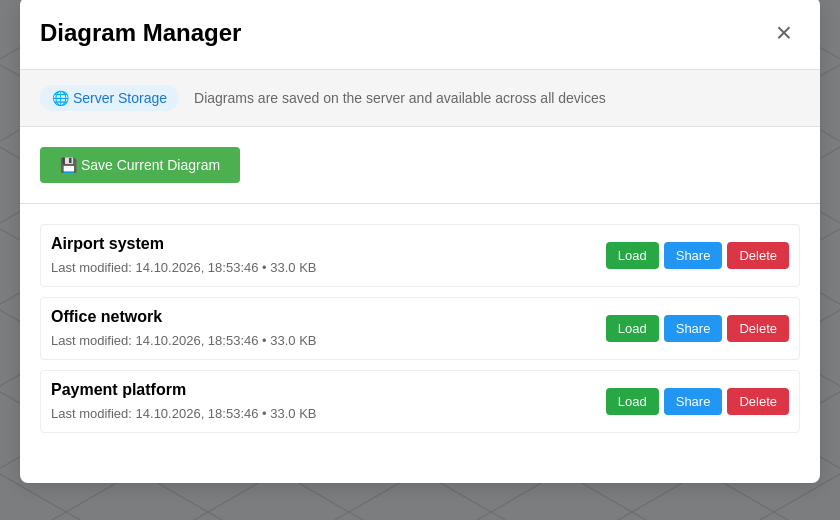
With Docker, diagrams are saved as files on your server, shared by the whole team, with read-only share links.
Desktop app
An Electron app for Windows, macOS and Linux that saves diagrams straight to your Documents folder.
English & Polish
The whole interface is translated, and your language choice is remembered.
A closer look
Run it on your server
A ready-made image is published on GitHub Container Registry. You don't need to clone the repository, just download the compose file.
mkdir archflow && cd archflow
curl -O https://raw.githubusercontent.com/cyryllo/ArchFlow/master/compose.yml
docker compose pull
docker compose up -d
Then open http://localhost:9500. Prefer plain docker run?
docker run -d --name archflow \
  -p 9500:80 \
  -v "$(pwd)/diagrams:/data/diagrams" \
  --restart unless-stopped \
ghcr.io/cyryllo/archflow:latest- Port 9500 by default, so it doesn't clash with other services on 80 or 8080.
- Your data stays yours. Every diagram is a plain JSON file in
./diagrams. Back up that folder and you're done. - Starts in seconds, works offline. Everything is inside the image.
- Restarts on its own after a crash or a reboot.
- Easy updates:
docker compose pull && docker compose up -d. Diagrams are kept.
No logins. Anyone who can open the address can edit diagrams in App Storage. Keep it on a trusted network or behind a reverse proxy with authentication.
Two ways to keep your work
Use one or both. They're independent.
💾 Files on your computer
Download the diagram as a .json file and open it again later.
- Available everywhere, including this demo
- Includes every icon, also your imported ones
- Great for backups and sending diagrams to others
- Also: export a PNG picture of the diagram
🌐 App Storage
ArchFlow keeps a list of named diagrams for you.
- Docker: files in
./diagramson your server, shared by the team - Desktop app: files in
Documents/ArchFlow - Read-only share links (Docker)
- Saving is manual, a "Modified" marker shows unsaved changes
Hosted as a plain website (like the demo), ArchFlow can only keep diagrams in your browser's storage. That's small and disappears when you clear browser data, so use Export File to keep your work.
Try it now
The demo is the real ArchFlow, running entirely in your browser. Nothing is sent to a server. Diagrams are kept in your browser only, so export them to a file if you want to keep them.